
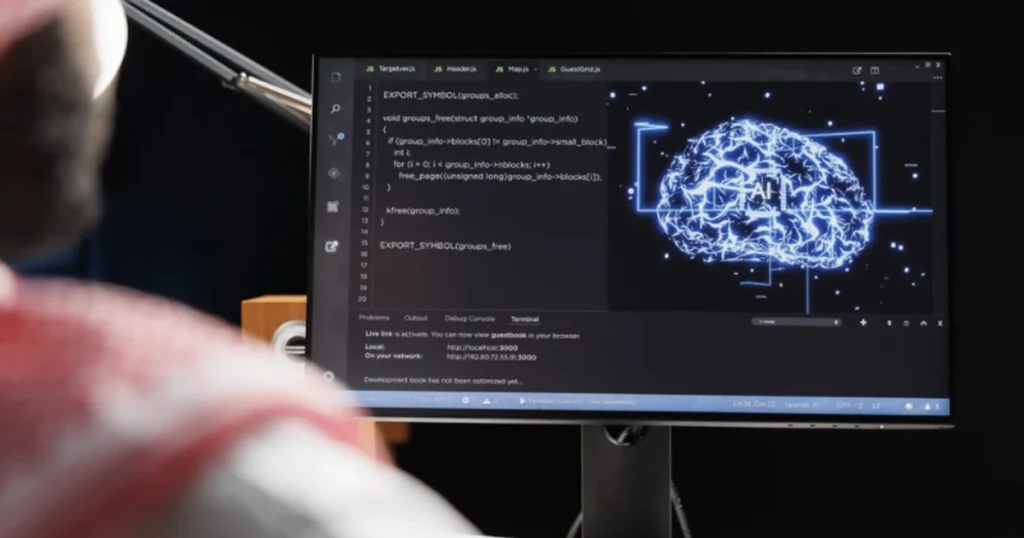
AI website development is rapidly changing the way websites are created and managed. In the past, creating a website required a lot of time, technical knowledge, and the involvement of several professionals. Today, many of these processes can be accelerated with the help of artificial intelligence tools.
From creating content and design ideas to coding, optimizing for SEO, and analyzing user behavior, AI is becoming an important part of the web design process.
However, this does not mean that AI can completely replace web designers. On the contrary, AI is serving as a tool that helps professionals work faster, test more ideas, and focus on the more creative and strategic parts of the project.
In this article, we’ll look at how AI is changing website design in 2026, what the most important uses are, and what role web designers will play in the future.
What Is AI Website Development and How Does It Work?
AI is technology that can analyze information, create content, identify patterns, and help solve problems.
In the world of AI website development, AI can be used at many different stages of a project.
For example, a business can use AI to create the initial structure of a website, write page copy, create visual ideas, generate or debug code, and optimize content for search engines.
This makes the process faster, but it also requires human control. The content created by AI needs to be vetted, the design needs to fit the brand identity, and every decision needs to be made with the user in mind.
So, AI is not just a way to “build a website with one click.” It’s a digital assistant that can help with many parts of the process.
5 Ways AI Is Transforming Website Development
1. Content Creation
One of the most common uses of AI is content creation and improvement.
A professional website needs many types of text: headlines, paragraphs, service descriptions, product pages, FAQs, blog posts, and calls to action.
AI can help create the first draft of these materials. For example, instead of a business starting with a blank page, it can give AI information about the company, services, and audience and get an initial structure of the content.
This saves time and also helps when ideas are lacking.
However, content should not be automatically published without control. A professional text should reflect the voice of the brand, be accurate, and speak naturally to the audience.
2. Generating design ideas
AI can also be very useful in the design concept phase.
Whether a web designer is creating a website for a technology company, restaurant, marketing agency, or online store, AI can help with ideas for the homepage structure, sections, colors, typography, and how information can be organized.
This is especially useful in the early stages of a project, when several creative directions need to be tested.
Instead of spending a lot of time thinking about the initial concept, the designer can use AI to generate several ideas and then choose the most suitable direction.
AI can generate many ideas, but the decision on which idea works best remains human.
3. Website coding and development
Another area where AI has brought about major changes is programming.
AI tools can help create, explain, and debug code. A web developer can ask for help with HTML, CSS, JavaScript, PHP, or other technologies and get an initial solution.
This can be especially useful for minor technical problems.
For example, if an element is not displayed correctly on a website, AI can help identify the problem and suggest a solution.
However, AI-generated code should always be checked. A solution that seems correct can create performance, security, or compatibility issues with other parts of the website.
4. SEO and content optimization
AI is increasingly being used for SEO.
AI tools can help with keyword research, article structure, titles, meta descriptions, and content optimization.
For example, if a company has a website for web design, AI can help identify topics that might be interesting to the audience and create a structure for the article.
But SEO is not just about placing keywords in a text.
A good SEO strategy requires understanding search intent, competition, website structure, internal linking, technical performance, and content quality.
For this reason, AI should be used as an aid to SEO, not as a replacement for a full strategy.
5. Personalizing the User Experience
One of the most exciting potentials of AI is personalization.
Instead of all visitors always seeing the same experience, AI can help analyze user behavior and tailor content or recommendations.
In ecommerce, for example, this can be used for product recommendations. On service websites, it can be used to provide more relevant information based on the visitor’s interests.
This can create a more personalized experience and potentially improve engagement and conversions.
ChatGPT vs Claude for Website Design
When we talk about AI and websites, two of the names that come up most often are ChatGPT and Claude.
Both can be used for tasks like writing, brainstorming, analysis, and programming, but how you use them depends on your project and needs.
ChatGPT can be very useful for content creation, ideation, research, analysis, and various workflows. Claude is also powerful for writing, long-form analysis, and coding-related tasks.
Instead of simply asking “which is better?”, the more useful question is:
“Which tool is more suitable for the task I want to accomplish?”
AI and Elementor: What’s different for web designers?
Platforms like Elementor are increasingly integrating AI features into AI website development.
This can help with content generation, code creation, workflow improvement, and speed up some design processes.
For a web designer, this means that some tasks that were previously time-consuming can be completed more quickly.
For example, a designer can use AI to create a draft of content and then focus on the visual structure, UX, branding, and details that make the website unique.
This is one of the reasons why AI should not only be seen as a threat, but also as an opportunity for web design professionals.

Can AI replace a web designer?
This is one of the most common questions.
The short answer is: not entirely.
AI can create text, suggest designs, and write code, but creating a good website requires much more.
A web designer must understand the business, audience, brand, and goals of the website. They must know how to organize information, how to create an intuitive experience, and how to guide the user to a specific action. A designer must also make aesthetic and strategic decisions that cannot be reduced to simply generating an output.
Therefore, rather than replacing the web designer, AI can make them more productive and efficient.
What Should Web Designers Learn in the Age of AI?
As AI becomes more powerful, the role of the web designer is changing.
It’s not enough to just know how to use a builder. It’s increasingly important to understand UX/UI, SEO, branding, performance, and how to use AI tools.
Web designers who learn to combine these skills can create websites faster and with better results.
AI can do the repetitive work, while the professional can focus on strategy, creativity, and quality.
Conclusion
AI is changing the way websites are created, and this change has only just begun.
From content creation and design ideas to coding, SEO, and personalization, artificial intelligence is becoming an important part of the web design workflow.
But a great website isn’t built with AI alone.
Technology can help save time and automate many tasks, while human experience is still essential for strategy, creativity, UX, and brand communication.
In 2026, the question is no longer whether we should use AI for web design.
The real question is: how can we use AI to create better websites?